These are the most common general questions our customer have. If you are looking for product specific details please check the product page FAQs at the bottom of the product page.
- What are your hours?
– We are open from 10:00 AM to 6:00 PM EST. We are open Monday through Friday. Saturday we are open for phone calls but we do not ship. Our phone number is 877-542-2872 - Is this website legit?
– Yes we are a legit business. Check out our youtube channel. Or our reviews on Trustpilot or Google we are rated 4.8 stars. - How long until my order ships?
– Most orders ship the next day after you order. Our custom wiring harness, amplifiers and radio kits have a 1-2 business day processing window. If you order Friday evening your order may not ship until Monday or Tuesday of the next week. We are open M-F 10-6PM. - How long after you ship until I have my order?
– please check this map for exact details but most orders arrive in 3-5 business days. - Who do you use for shipping?
– We ship via USPS Ground and Priority Mail. We also have UPS Ground and UPS Overnight available. The cutoff for UPS Overnight shipping is 3PM EST Monday – Thursday. Overnight shipping from Friday to Saturday is often not possible with UPS the package is delayed until Monday. - Do you provide tracking for my order?
Yes every order is shipped with tracking. You will receive your tracking number via text and email when your order ships. - Do I really have to sign for delivery of my order?
– Yes any order over a $200 before shipping and taxes requires a signature for delivery. This is to ensure you receive your package and to reduce fraud. If you can’t be home for the delivery of your package simply ask the post office to hold the package for you or UPS to deliver to an Access Point. - If an item shows available on backorder what does that mean?
– If an item is available on backorder then it is not currently in stock but will be soon. The time period for a backordered item to ship is usually between 1 to 2 weeks. If your order includes a backordered item our staff will notify you about the delay. - Is this product in stock?
– Yes, if it is currently showing on our website the product is in stock and available to ship. - Can I return my order?
– If the items you are returning were not installed and are in there original packaging they are eligible for return. Any installed item is not eligible for return only exchange or store credit. This means even if you just plugged it in for a few seconds or just sound tested the item it is no longer eligible for return. Once the tamper seal or zip-tie of the item has been removed it is no longer eligible for return. You can see more details on our return policy page. - Can you help with my install?
– Our technicians are trained to help you install any of the products we sell. If you are having issues with installing one of our products please call 877-542-2872. If you are installing a product we do not sell we will try our best to help you but our technicians may not be familiar with your particular product. - Do you only sell items for Acuras?
– Yes we only sell accessories for Acuras and some Hondas.

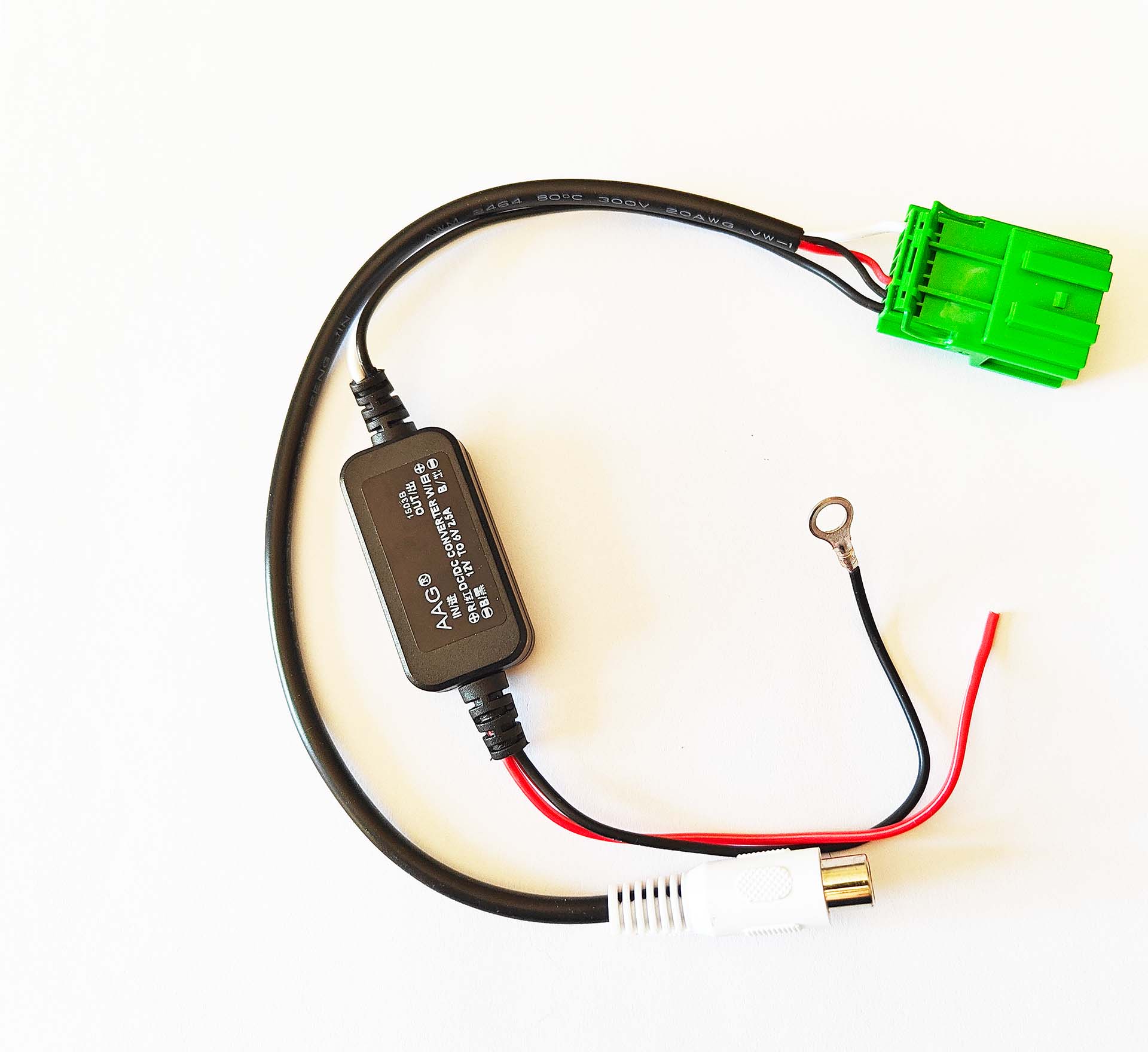
If your Acura TL, RL, RDX or MDX came equipped with factory backup camera and has the factory DVD/ROM navigation drive this harness will allow you to keep the factory backup camera with a new aftermarket radio. This harness plugs in where the factory navigation drive is in your Acura. On the 2007 2008 Acura TL the navigation drive is in the trunk on the passenger side. On the 2007 2008 2009 Acura MDX the navigation drive is below the driver seat, where this harness plugs in. On the 2007-2009 RDX the navigation drive is below the glovebox. On the 2005-2008 Acura RL the Navigation drive is in the trunk. This harness requires connection to 12v and ground. You can ground the harness right on the body of the navigation drive. The power you will connect to the red wire on the RCA. The yellow wire on the RCA is used to connect to pin 5 on the black connector of the navigation it is a brown wire. That brown wire is the reverse signal it will provide 12v when you are in reverse. You then connect the RCA cable to the female cable of the harness and run it up to your new aftermarket radio.
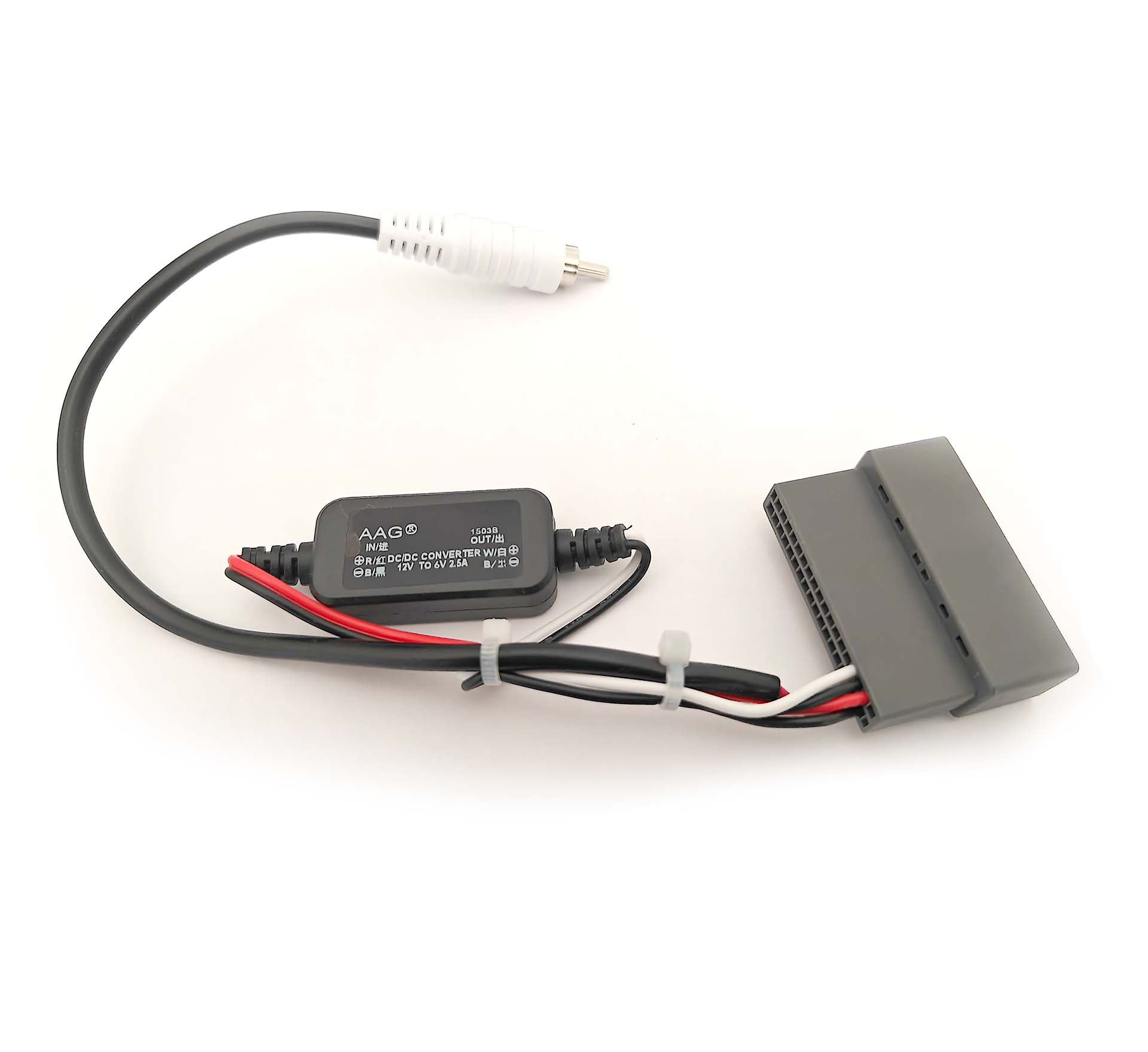
If you upgrade the radio in your 2009-2010, 2011-2012, 2013 2014 Acura TL, TSX or MDX and want to keep the climate information available, you will need to replace the factory navigation display with a non navigation display. When you replace the factory navigation display you lose the factory backup camera. If you want to retain the factory backup camera and view it on your aftermarket radio you will need this harness.
This harness provides the factory camera with the correct amount of voltage (6v) and gives you an RCA to connect to your aftermarket radio. If your factory camera has multiple angles only one angle will work with the new aftermarket radio and you will not be able to switch it. In order to automatically switch your aftermarket radio into reverse you will have to wire tap the reverse signal. The reverse signal trigger wire is included in the 2009-2014 Acura TL wire harness and the 2010-2013 Acura MDX wire harness. On the 2009-2010 Acura TSX you must wiretap the reverse signal at the junction boxes. In the 2011-2014 Acura TSX you will wire tap the connectors to the factory navigation. The grey 28 pin connector behind the navigation brain has the reverse signal on the light blue wire which is pin 20. See the images for the pinout. If you are looking for the harness for the android radio for your Acura MDX click here.
This is the breakdown of the connector per car. Although the pin numbers are the same some vehicles have different pinouts.
2009-13 Acura TSX 28 Pin
2009-2010 Acura TL 32 Pin
2011-2013 Acura TL 36 Pin
2011-2013 Acura MDX 28 Pin
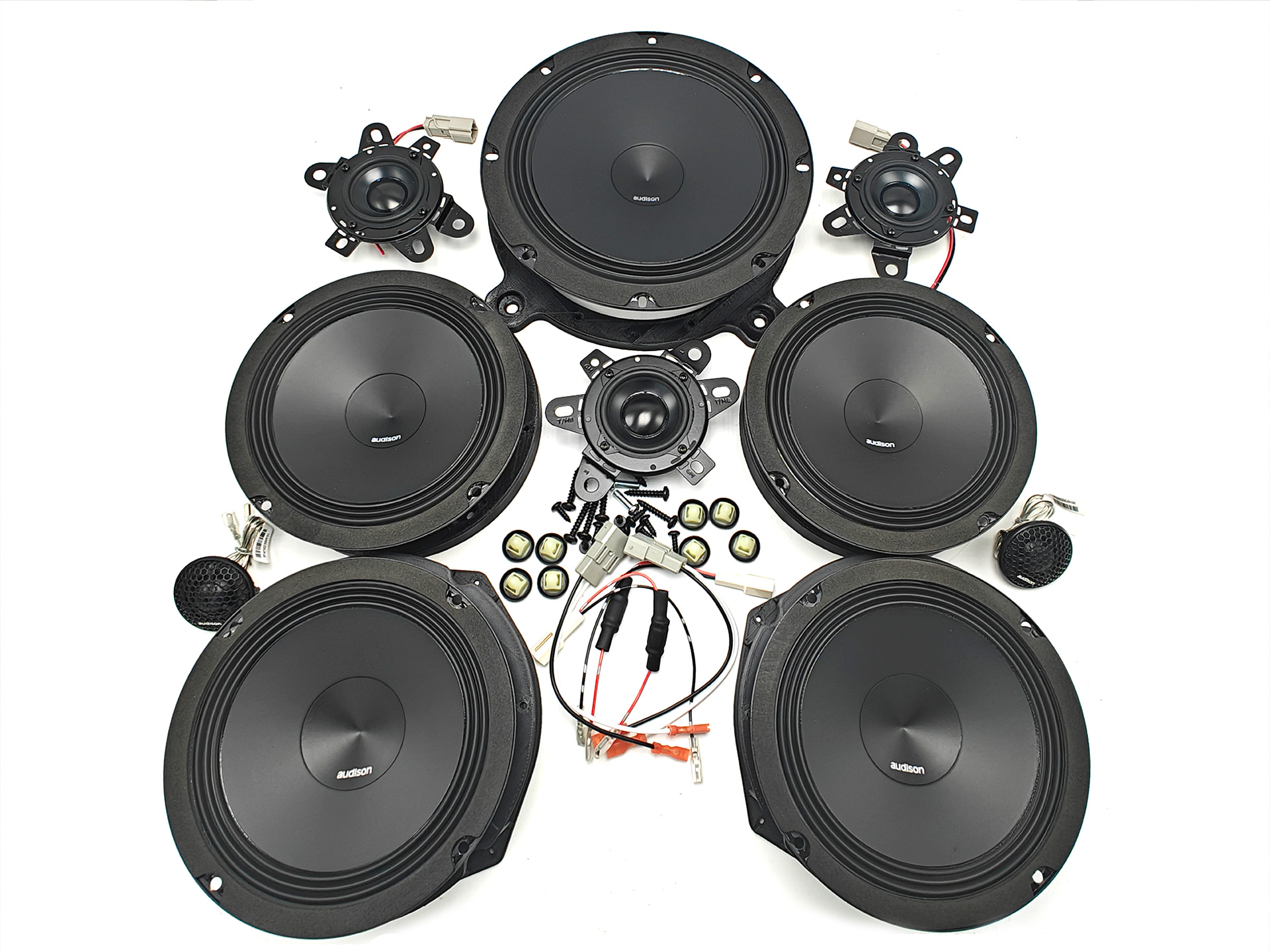
If you have a 2007 or newer Acura with Navigation and the ELS Audio System this speaker set is a great upgrade to get all of your speakers sounding amazing. This speaker set includes every single speaker in your audio system including the tweeters, center and surround speakers. This speaker set comes with all the components you will need to install it. It includes all the harnesses and brackets necessary to make your installation plug and play.
If you are looking for the specifications for the speakers you can find them by clicking the links below. If your factory subwoofer is in an enclosure you will not need a bracket or wire harness you will reuse the factory screws and wiring to mount your sub. If your subwoofer is mounted on the rear deck you will be provided with a harness and a new bracket.
Front – click here
Rear – click here
Center – click here
Sub – click here
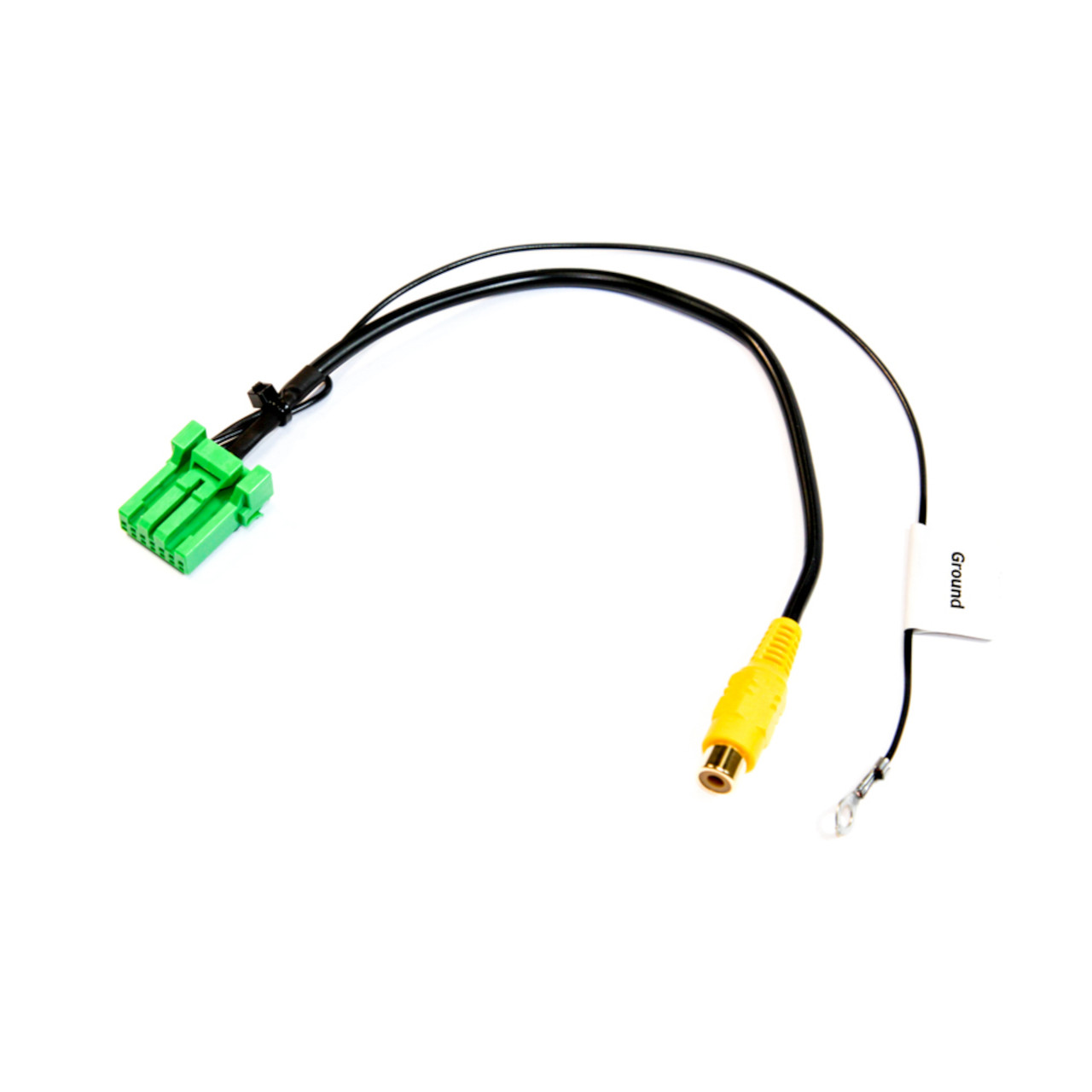
If your factory backup camera is bad and you want to replace it or if you want to add a backup camera to the factory navigation of your Acura this harness will allow you to do so. This harness plugs straight into the navigation and allows you to send video in. You must ground the black wire of this harness for the camera signal to work.
NOTICE: Please select your year and model for installation specific information and what factory features will continue working.
Radio Summary:
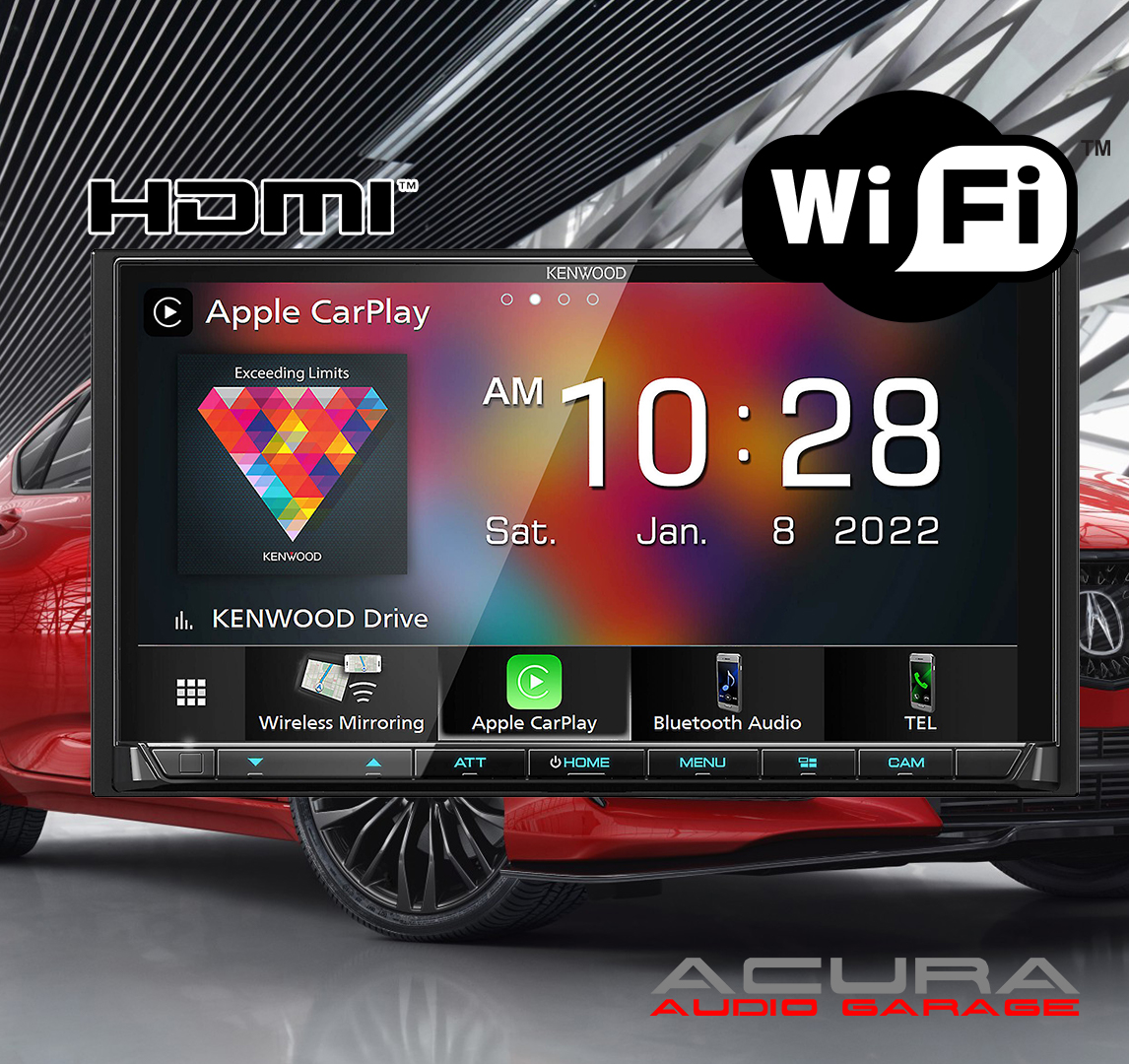
If you are looking for the best available head unit for your Acura this Kenwood receiver is the winner. Kenwood also makes higher tier units that might have additional features but this radio has all the essential features you could want in a new radio. This radio has an 7″ HD capacitive touchscreen and tactile buttons to help you control your entertainment. This radio is loaded with wired and wireless Apple CarPlay/ Android Auto, Bluetooth Audio Streaming and Calling along with wireless Android Mirroring. This radio also has SiriusXM compatibility, an HDMI port, multiple camera inputs and three pairs of 4volt pre amp outputs to power your factory amplifier or aftermarket amplifiers. The only features missing from this radio are a CD/DVD player and built in GPS Guidance. Installing this stereo requires you to run a new microphone wire to the visor or other desired location. The USB port is on the back of the radio so you will need to run the included USB extension or flush mount a USB adapter somewhere on your dash. Our plug and play radio kit removes the need for any wiring so all you have to do is plug everything in. Our radio kit also allows you keep your factory steering wheel controls, amplifier, speakers and factory navigation in most Acura’s.
Who should buy this radio:
This radio is a great choice for anyone looking to upgrade the head unit in their Acura. The Kenwood operating system is intuitive so if you know how to use a smartphone you can easily use this radio. This radio also has all the settings you could want to adjust the sound output to your liking. There are tons of menus to find all kind of cool adjustments but if you are just looking for the basics this radio is simple and easy to control. The icons are large and selecting your desired source is easy. The HD screen makes choosing apps or selecting radio stations enjoyable and electronics inside this head unit provide a solid audio foundation for integrating with the factory system in your Acura or powering an aftermarket system.
Who should look for something else:
If you are looking for built in GPS Guidance that doesn’t require a phone connection or for the ability to play CD/DVDS this is radio is not a good choice. If you like to keep all your media on a USB drive this radio is also not a good choice. The menus for traversing folders and finding the exact song you may want to listen to on your USB drive is annoying. If you want to watch videos of a USB its okay but not for audio.
About the Kenwood Brand:
Kenwood is often compared to Pioneer and is referred to as ‘your grandpas radio’ by enthusiast when it comes to aftermarket electronics. But that statement while silly just showcases how long Kenwood has been around delivering quality aftermarket audio components. The Kenwood power delivery, audio quality and sleek operating system makes their head units an easy recommendation for enthusiast and professionals looking for a new radio. Kenwood offers a one year warranty on head units so you can have peace of mind that your investment is protected.
NOTICE: Please select your year and model for installation specific information and what factory features will continue working.
Radio Summary:
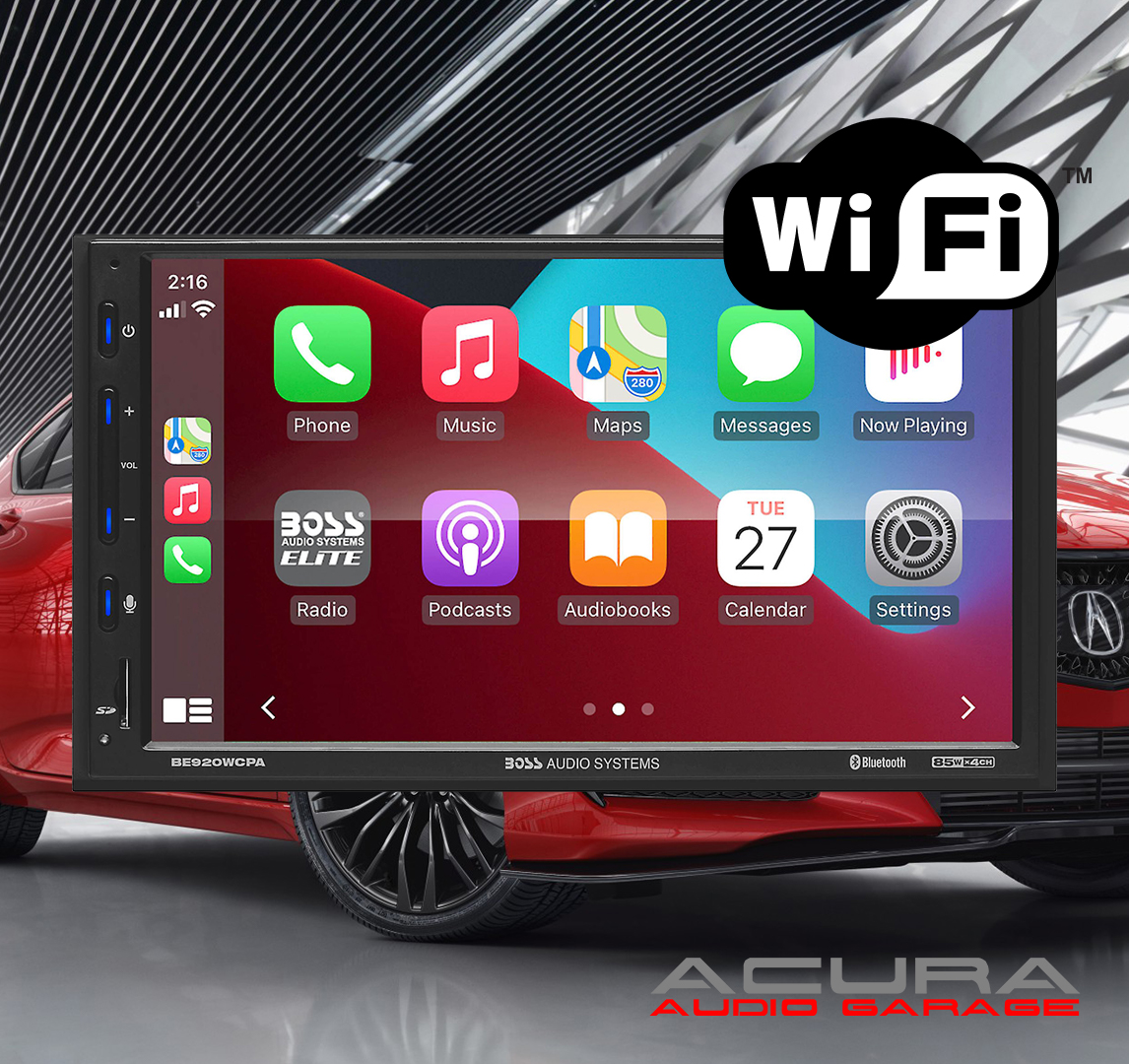
If you are looking to add Wireless Apple CarPlay or Wireless Android Auto to your Acura at an affordable price this BOSS Elite Apple CarPlay touchscreen double din radio is a great choice. It is one of the most affordable name brand units with wireless and wired Apple CarPlay and Android Auto. This radio also has Bluetooth, USB/SD Card Media Playback and the option to add a backup camera or an aftermarket amplifier for subwoofers. What this radio doesn’t have is built in GPS, CD/DVD or Sirius XM capabilities. Installing this unit requires you to run a new microphone wire to the visor or other desired location. Also the USB inputs are at the back of the radio so you must run the extensions to an accessible location or flush mount USB ports somewhere in your dash. Our plug and play kit removes the need for any wiring so all you have to do is plug everything in. Our radio kit also allows you keep your factory steering wheel controls, amplifier, speakers and factory navigation in most Acura’s.
Who should buy this radio:
This radio is meant for someone looking for wireless Apple CarPlay or Android Auto at a lower price point. This radio great for someone who also wants Bluetooth audio streaming/calling and the ability to add a backup camera. The wireless connections allow you to keep your phone in your pocket or bag and manage your music on the go straight from the touchscreen of the radio without plugging in any wires. The touchscreen on this radio is responsive so using it to control CarPlay, Android Auto and Bluetooth is easy. The tactile buttons also are a great benefit of this radio. Almost all new aftermarket radios are incorporating capacitive touch buttons so its nice to have buttons you can feel and press down. Lastly this radio has an SD card slot so you can access your entire media collection instantly just by adding your SD card.
Who should look for something else:
If you are looking for built in GPS Guidance, Sirius XM capabilities, or Phone Mirroring this radio is not a good choice. This radio also isn’t suggested for those who want to run complex aftermarket audio system with multiple amplifiers. This radio works great with the factory audio system in the Acura TL, MDX and TSX but with aftermarket equipment this radio doesn’t have all the recommended settings to run multiple amplifiers. Installing a subwoofer amplifier is no problem but if you are planning to run a two or three amplifier system then we recommend a Kenwood radio instead.
About the BOSS Brand:
While BOSS has been in business for over 30 years some worry about quality of their products and opt for choosing a better recognized brand. The BOSS Elite line of products has really taken charge in the last couple of years and offers a fantastic value to those looking for a great inexpensive radio. BOSS offers a three year warranty on the BOSS elite line of radios so you can have peace of mind that your investment will be protected.
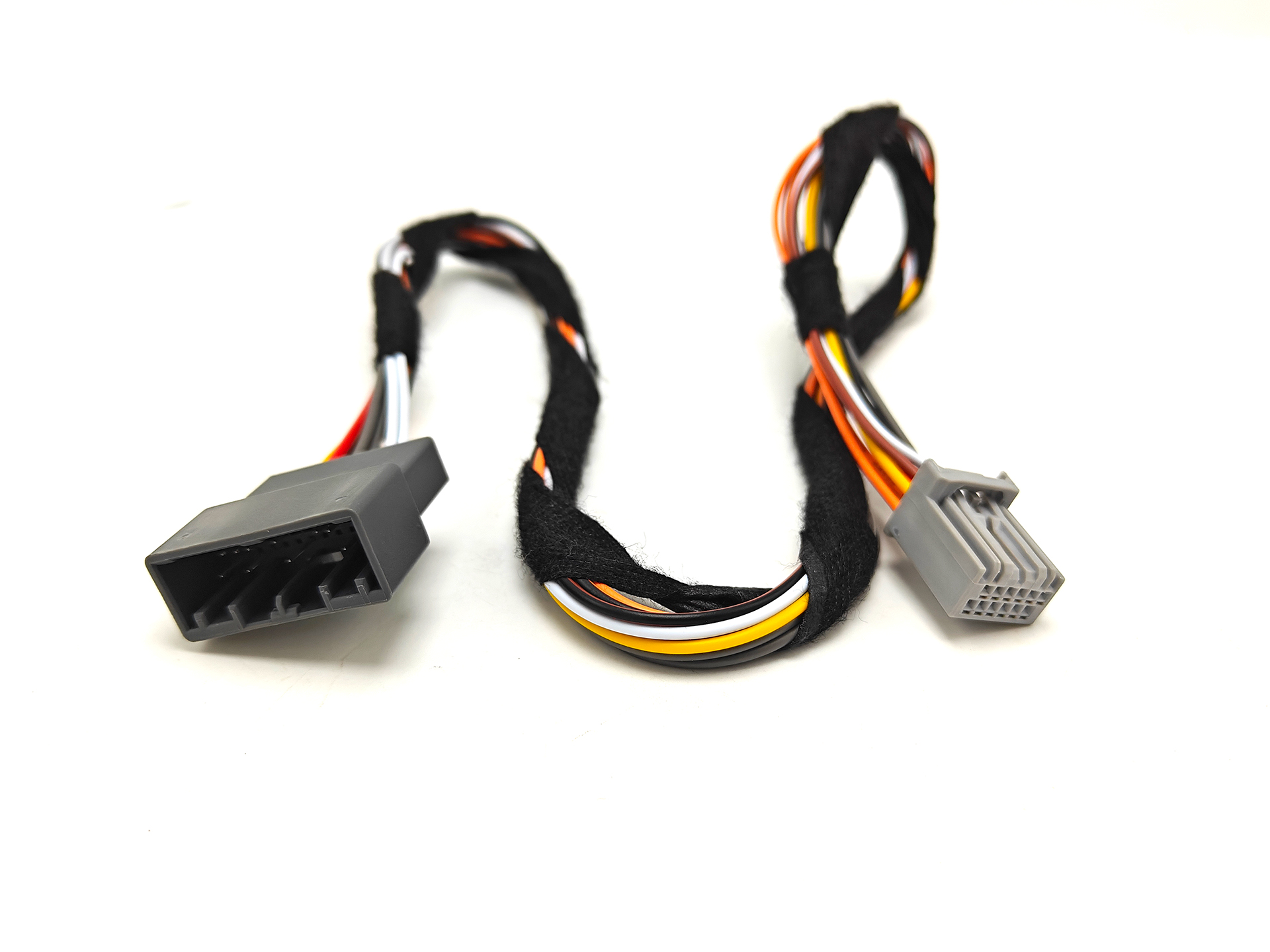
When you install an aftermarket radio in your 2009 to 2014 Acura TL or 2009 to 2014 Acura TSX you will lose the ability to see the current climate control information. You can still control the climate and adjust the temperature and wind speed, but you can’t see the current values of the temperature or the fan speed. If you want to regain the information you will need to install the Audio HVAC screen that comes standard in the base Acura TL or the base Acura TSX. The factory navigation display is full RGB color, the Audio HVAC display is monochrome and will just show the climate information. The process of swapping it is relatively simple just unscrew the old screen and install the new Audio HVAC display in its place. If you have an Acura TL you will also need to replace the vents the sit below the screen. The last part you will need to make the conversion possible is the harness on this page. This harness connects from the factory display panel to the Audio HVAC display.
This harness plugs right into the connector next to the green connector on the navigation control knob. Then you route the cable behind your radio up to the Audio HVAC display. You want to be careful when tucking the wires you do no want to pinch anything. If you are looking for the vents or audio HVAC climate display the parts are as follows. You can find these parts on eBay, a junkyard or your local dealer. The vents on the Acura TL are different on the navigation and non navigation models. When you replace the navigation display you will lose the backup camera. We have a camera retention harness or you can just install an aftermarket backup camera instead. Instructions here
Part numbers for 2009-2014 Acura TL
TL climate screen – 39710-TK4-A02
TL vents – 77270-TK4-A21ZA
Parts for 2009-2014 Acura TSX
TSX climate screen – 39710-TL7-305
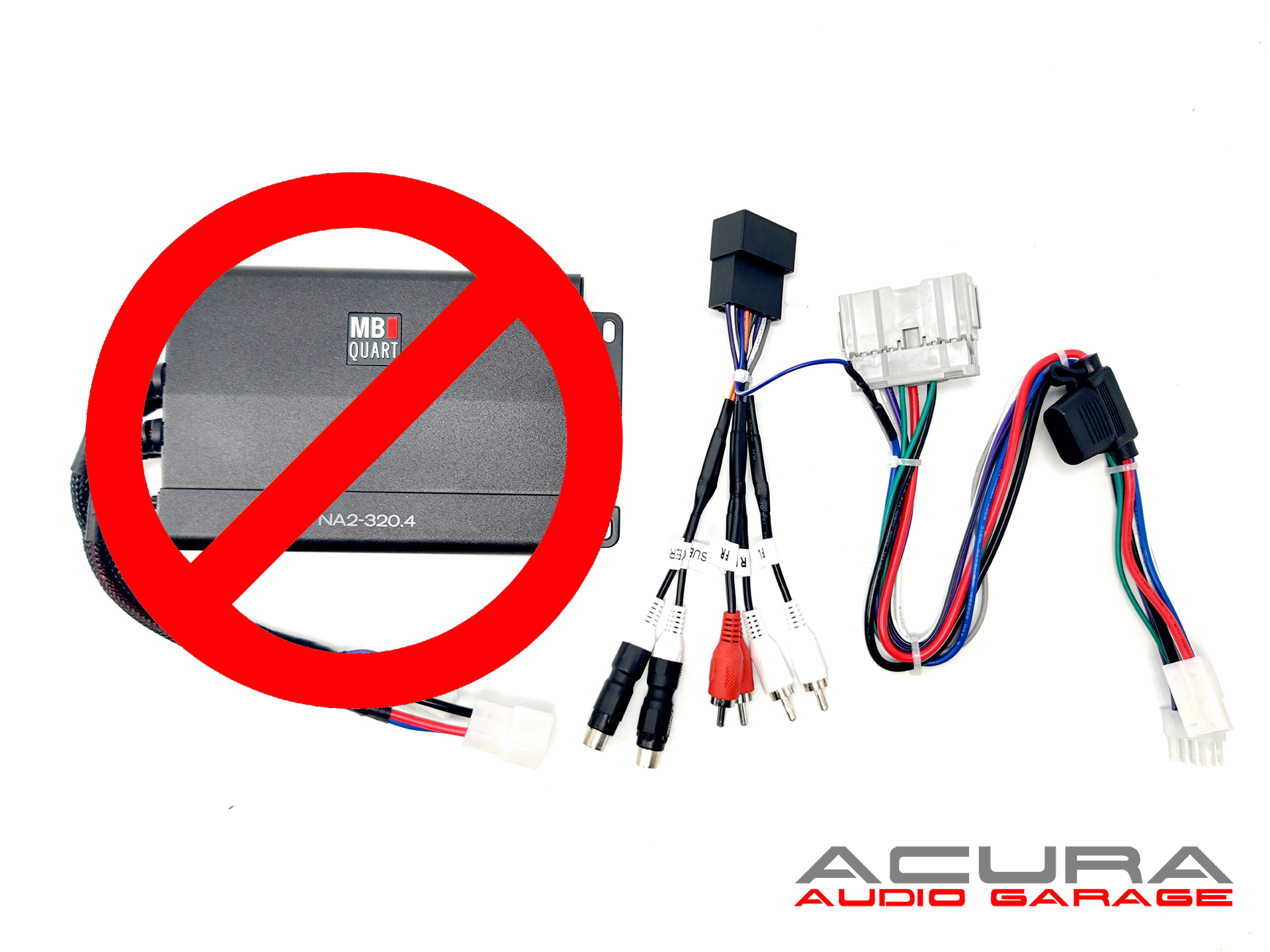
Upgrade the amplifier in your Acura TSX , TL, MDX with our plug and play harness. This harness works with the following amplifiers: NA2-500.5, NA2-320.4, TPS-A600.5. TPS-A350.4. This listing is only for the amplifier harness it does not include an amplifier.
This harness is fully tested on the exact amplifier you are installing before shipping therefore if you encounter an issue such as hissing or ringing after installation the harness is most likely not the issue. The issue is most likely your audio source or your power source.
If you are looking to replace the radio in your 2010 2011 2012 2013 Acura MDX TSX or TL with navigation this wiring combo will help you replace the factory radio while also bypassing the factory amplifier. When replacing the factory radio in your MDX with navigation with an aftermarket radio you will not be able to achieve full volume control. This is because the factory amplifier and factory radio utilize a proprietary CAN BUS communication system. That system is responsible for raising volume, fader controls and muting the amplifier. Due to the design of the system both the factory amplifier and factory radio must be replaced in order to install an aftermarket radio. This wiring combo will help you replace the factory radio and the factory amplifier.
Installing an aftermarket radio in your 2010 2011 2012 2013 Acura MDX TL or TSX will result in the loss of the factory navigation system from being responsive. Your backup camera will not work and the map will not show The installation can be simple if you plan to give up certain speakers. If you want to retain them all you will have to be creative with your wiring.
This wiring combo provides you with the harnesses to plug into the cars factory harness so that your aftermarket radio will have power without wire tapping or splicing any factory wiring. Included in the harnesses are also the leads to keep the factory steering wheel controls working with your aftermarket radio. The other harness in this combo allows you to bypass the factory amplifier and use the aftermarket radios built in amplifier to power the speakers in your Acura MDX TL or TSX. Included in this combo is 8ft of speed wire which allow you to connect the speaker outputs from the aftermarket radio to the amplifier bypass. The radio is located in the center of the dash while the amplifier is located in the passenger kick panel.
This wiring harness combo is for an advanced DIY’r there are multiple wiring decisions that must be made. The MDX/TSX/TL has a total of 10 speakers which include 1 center channel speaker (3.5″), two tweeters(.5″), 4 door woofers(6.5″), two satellite speakers (3.5″), and 1 subwoofer (8″). All the speakers except the subwoofer get the power from the factory amplifier. The subwoofer has its own amplifier inside the enclosure. To get the factory subwoofer to work the signal provided must have DC offset and you will have to wire tap pin 23 on the 28 pin harness going into the amplifier. This pin/wire #23 is the amp turn on trigger for the factory subwoofer amplifier. You must power it with 12V+ either from the remote wire of your aftermarket radio or another source.
If you try to wire all the speakers in your MDX directly to your aftermarket radio you will most likely short the built in amplifier in your radio. You need to decide either which speakers to replace or which speakers you will not hook up. You can also use an amplifier to retain all the speakers. We have a 8 channel amplifier you can use to do so. The most common way to hook up your speakers to your aftermarket radio is to hook up the front left, front right, rear left and rear right speakers. This will also keep your tweeters working as they are wired with your front speakers. Wiring the combo in this configuration will eliminate the center speaker and the satellite speakers they will no longer produce sound.
To keep your factory subwoofer working you will need to wiretap the amp turn on wire which is white on pin 23 of the connector with the thin wires going into your amplifier you will also need to hook up the subwoofer wires to one of your rear speakers to provide it signal. The way the factory subwoofer amplifier turns on in your Acura MDX is with a remote wire and DC offset. So you need to tap the white wire and send a speaker level signal to amplifier for it to turn on and produce sound.
If you want to add amplifiers to the factory radio then you can checkout out our amp T harness.
If your 2009 to 2013 Acura TSX, TL, RDX or 2007-2013 MDX has navigation and you want to keep the factory head unit but upgrade the amplifier then this harness will allow you to grab the output from the factory amplifier and feed it to your DSP or other integration interface. The other part of the harness will give you the connection to all the factory speakers(tweeters, dash, front door, rear door, pillar, subwoofer). In the Acura TL and TSX the subwoofer is directly powered by the amplifier. In the Acura MDX and RDX the subwoofer has its own built in amplifier to power the subwoofer. The subwoofer amplifier is inside of the enclosure in the rear so if you plan to upgrade the subwoofer or amplifier you will need to bypass that internal subwoofer amplifier by opening that enclosure and running new wiring.
When adding amplifiers to the ELS or Navigation system Acuras with the factory radio you will need to leave the factory amplifier connected. The factory amplifier and the factory radio use digital communication to adjust the volume. So if you unplug the amplifier completely you won’t be able to use the factory radio’s volume knob to control the volume. This means you must connect the yellow and black wires together and also to the interface or DSP you plan to use. If you plan to keep the factory subwoofer working then you must connect the brown wires at the end of the connectors together. All wires come labeled so you can determine which speakers you want to keep on the factory radio and which you want to amplify.
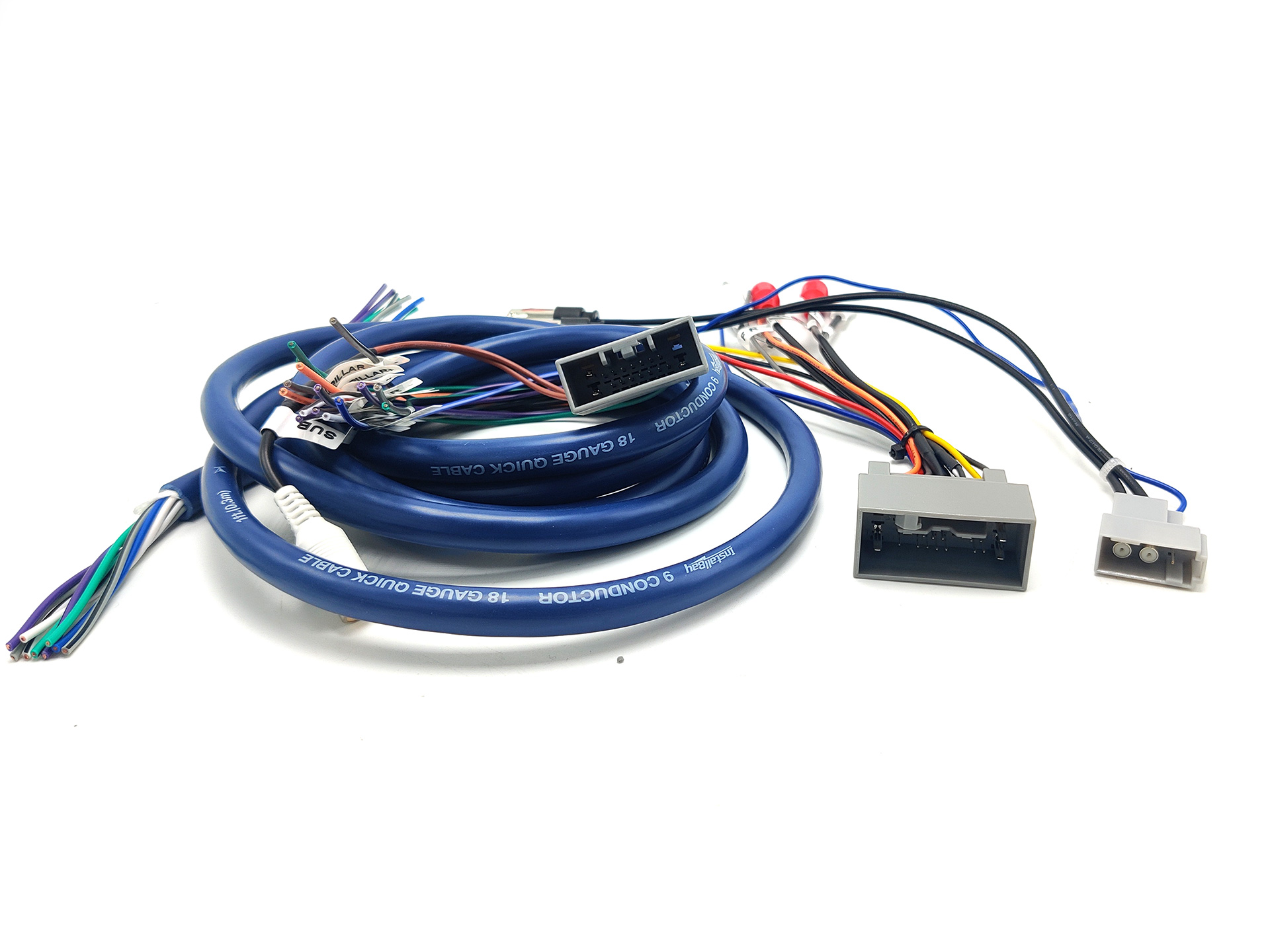
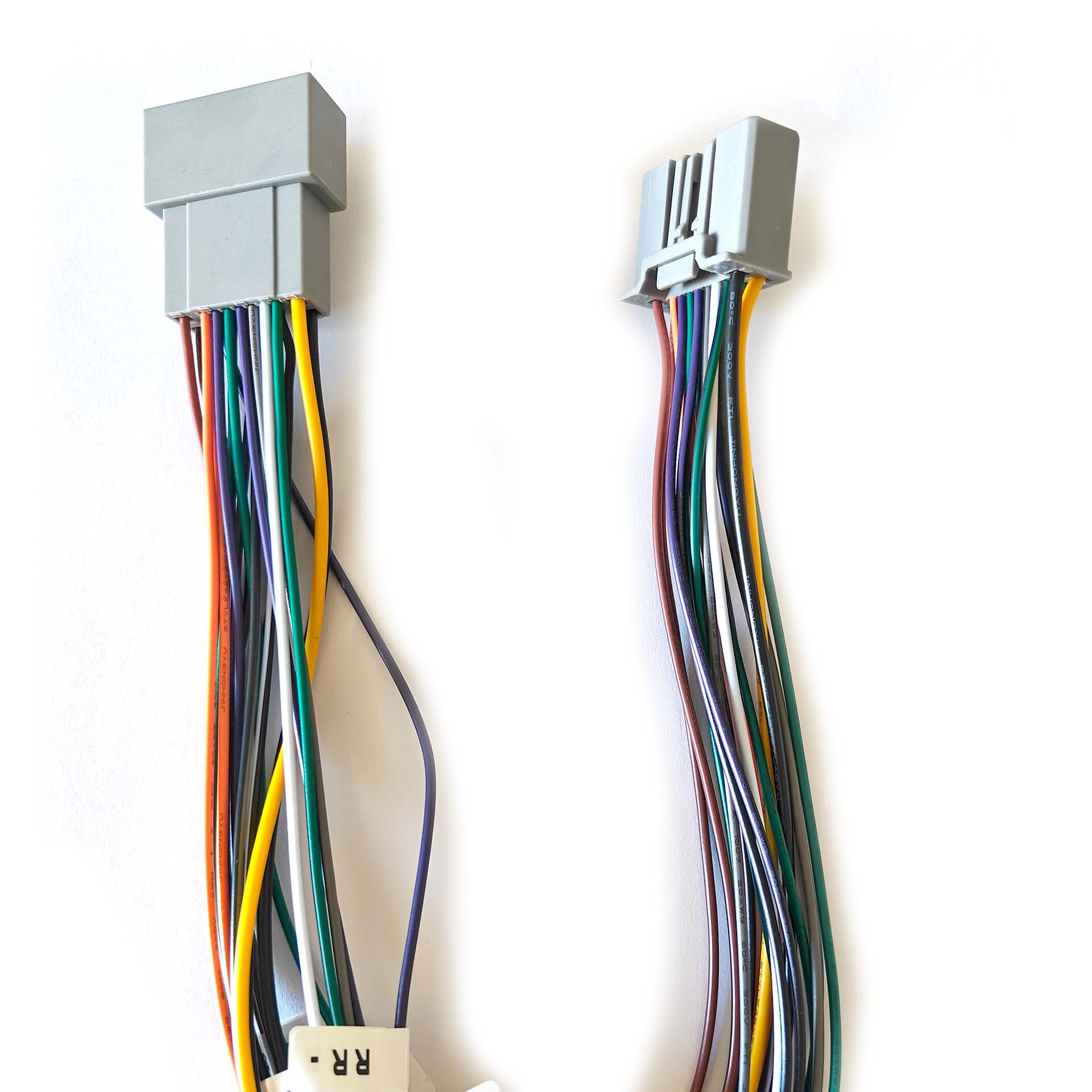
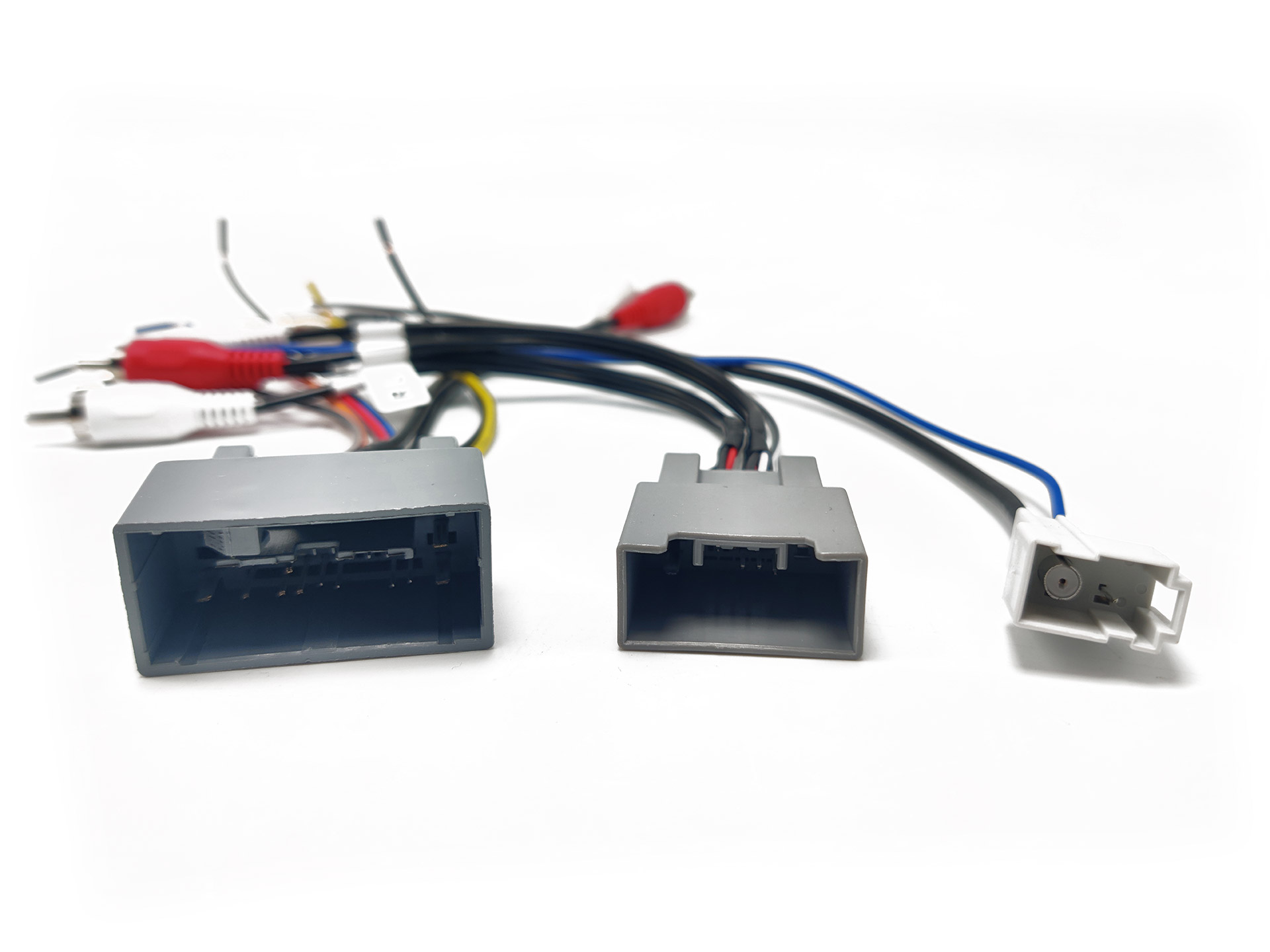
If you are installing an aftermarket radio in your non navigation 2009 2010 2011 2012 2013 Acura TL this combination of harnesses are all you will need. This harness combo allows you to retain your factory amplifier, subwoofer and climate control display. Your steering wheel controls can also be retained with an additional part, the AXSWC. The radio you plan to install will need to have 5 RCA ports on the back label FL, FR, RR, RL,SUB if your radio does not have these outputs you will need a line out converter. Replacing the radio in your Acura TL will result in the loss of your factory HFL, AUX and Sirius XM radio.
The 24 Pin Grey connector in this combo is used to provide:
– Power
– Ground
– Illumination
– Steering Wheel Control Wires
– Primary Speakers (FL, FR)
– Amplifier Turn on
The 14 Pin Grey connector in this combo is used to:
– Rear Speakers (RL, RR)
– Subwoofer
– DPL Switch
The 2 Pin Grey connector in this combo is used to:
-Factory AM/FM Antenna
Instructions can be found here