
Description
Summary
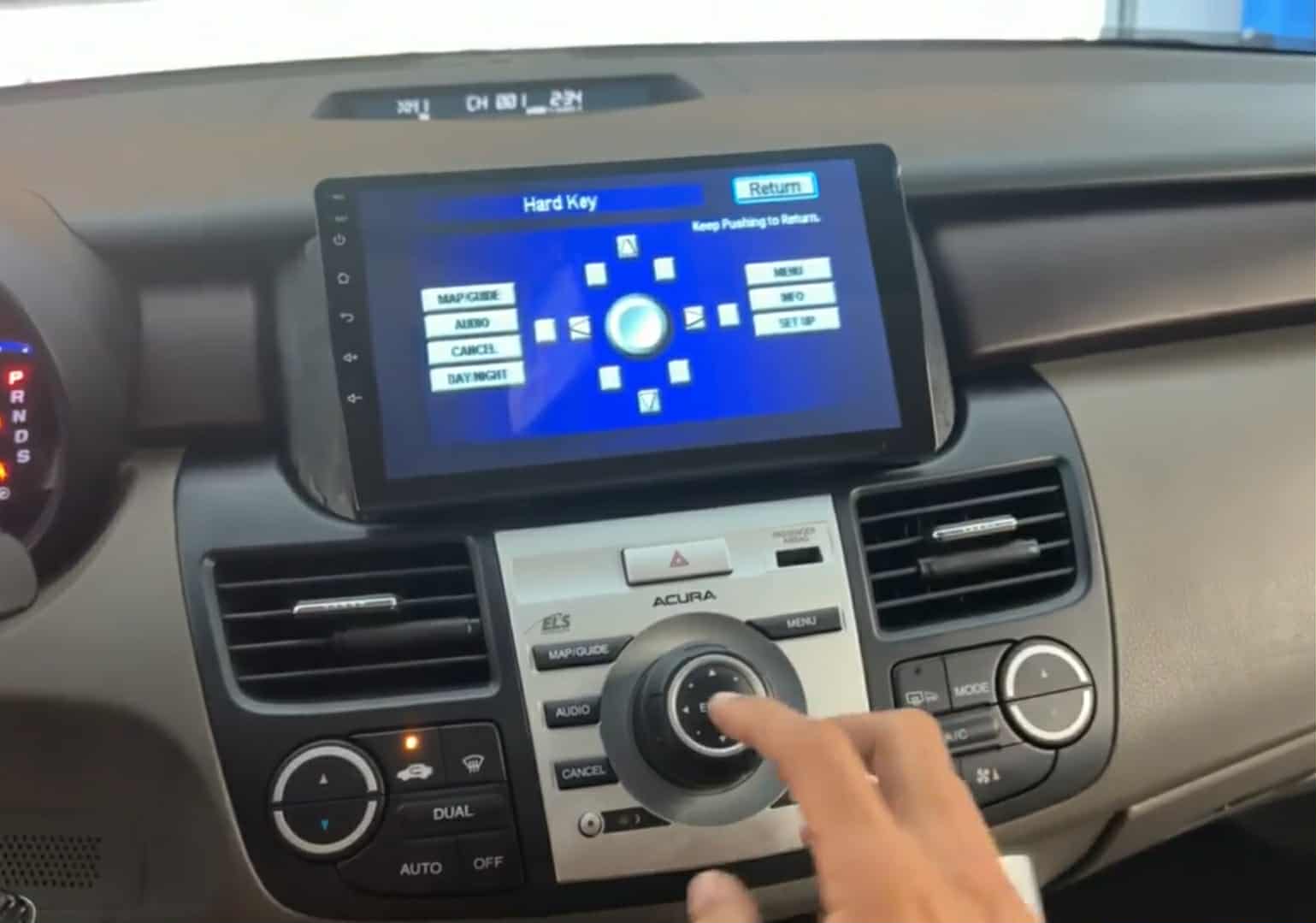
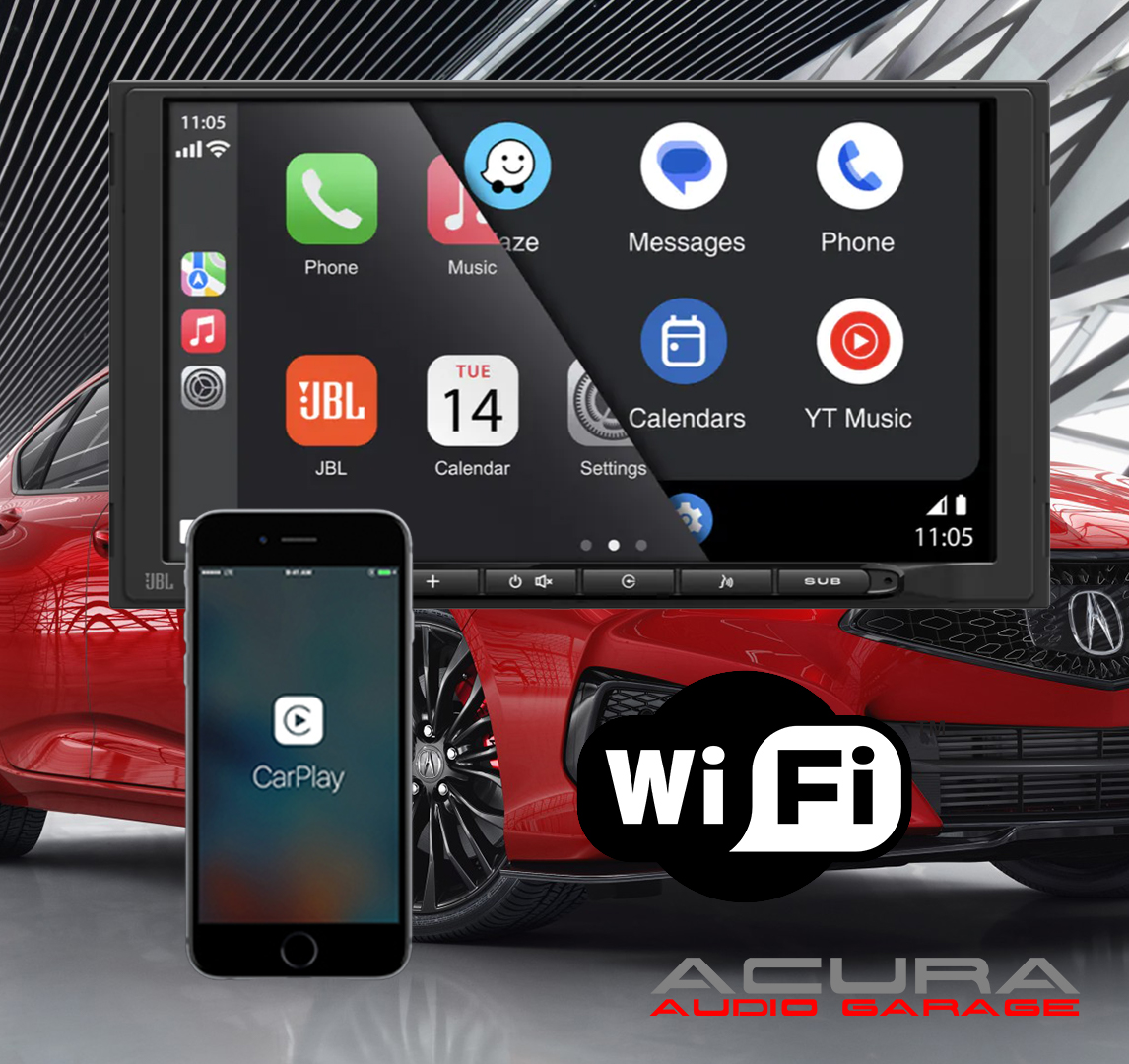
Modernize your infotainment system in your Acura RDX with our navigation display screen upgrade. This upgrade is completely plug and play. The new upgraded navigation display is touchscreen and runs a modern operating system that allows you to enjoy Apple CarPlay, Android Auto and Bluetooth Audio Streaming. The new display also allows you to run native apps like youtube and Netflix while connected to the internet.
Installation of the new screen requires completely disassembly of the vehicles factory infotainment system and is quite lengthy. You don’t have to modify and of the vehicles factory wiring but you will have to snake wires and connect them together at different points shown in the installation video. The new upgraded display screen has the ability to show the factory navigation system but it does require a video converter to be added to your harness. The video converter is optional and you don’t need it unless you want to keep the factory navigation system operational. If you install this new display screen you will lose the ability to adjust the factory equalizer inside the factory radio. You can adjust the equalizer from the new display screen to achieve your sound goals but if you like to adjust the factory subwoofer level from song to song that will no longer be possible.
This screen can be installed in vehicles with or without navigation. If you don’t have navigation you will lose the ability to see the current climate information. You can still control the blower speed and temperature inside the car but you will not be able to see the current settings in vehicles without navigation. If you have navigation you can see from the video below that the climate information continues to work like it did before. If you car is a 2010 2011 or 2012 please email us or call us to place your order as this product has not been fully tested on those vehicles yet. The installation should be similar but some parts are different and we want to ensure you get the desired result when you install this item.
Product Configurations
The first configuration listed: DROID-464GB-NAV-SWC-CAM is exactly what you see in the video below. This configuration converts the OEM navigation video with a video converter so you can see it on the new display, it changes the steering wheel controls to the new display, and keeps the factory backup camera on the new display.
The second configuration listed DROID-464GB-CAM is different from the video. This version does not keep the factory navigation video. This version keeps the steering wheel controls on the factory radio. This configuration does retain the factory backup camera on the new display.
The third configuration listed DROID-464GB is also different from the video. This version does not keep the factory navigation video. This version also does not keep the OEM backup camera. This version keeps the steering wheel controls on the OEM radio.
The fourth configuration listed is DROID-464GB-BASE-SWC is nothing like the video. This version is meant for vehicles without factory navigation. This version changes the steering wheel controls to work the new display.
On any of these version you can install an aftermarket backup camera. If you want to upgrade the OEM camera with our plug and play camera you will need to retain the OEM backup camera first. If you buy the screen first and then decide you keep the OEM camera that is possible as well, we sell the camera harness separately.
At this time we are not selling just the harnesses or brackets. We are only selling complete packages.
Installation
Installing the system requires you to make connections behind the OEM radio and at the factory navigation ROM drive. The factory radio is located right in front of the shifter and you will need to connect wires from the radio to the new display screen. There is plenty of space to run wires behind the OEM radio and display so you can connect everything without issue. The primary power connection for the new display is behind the OEM navigation display. The audio connections for the new display are behind the OEM radio. If you want the steering wheel controls to control the new upgraded display and not the factory radio you will need to connect an additional connector behind the radio and also another wire behind the new display screen. Our recommendation is that you keep the steering wheel controls on the factory radio and only use the audio connector behind the radio. This means you will make one connection behind the radio and one connection behind the screen.
If you are planning on keeping the factory navigation video on the new display screen you will also need the video converter we have available which will raise the price of the product. This is optional and not required but if you do purchase it, it will be wired already you won’t have to make any connections for it. If you want to keep the factory backup camera then you will also need to connect wires at the navigation drive located next to the gas pedal. Follow the instructions shown in the video to make sure all of your connections are correct. Then snake the wire from the navigation drive up the new navigation display.
Non Navigation Vehicles
If your RDX does not have navigation it is referred to as the base model. If you own a base model RDX you can still change the OEM monochrome display with this new touchscreen display but you will lose the ability to see the climate information. Installation is a bit different as all connections are done behind the OEM radio and you will snake the wires from behind the OEM radio up to the new display. With the OEM display removed you won’t be able to see the climate or any of the factory radio information such as radio stations or cd tracks. Instead the OEM radio will just be used as a passthrough for audio. You will leave the factory radio in XM mode and control all audio through the tablet. If you have a base model it makes sense to change the steering wheel controls from the OEM radio to the new tablet by connection the additional harness behind the OEM radio and at the display screen.
Product Feedback
We sell a similar product for the Acura TSX and people really like it. This product is great for those who want a new display and the ability to use Apple CarPlay or Android Auto. This is a perfect fit especially if your factory navigation system is already broken and you don’t care about it. This product is not recommend to anyone who wants build any sort of competition system in audio quality or loudness. You are still limited by the factory amplifier when you install this product and while the system sounds good. If you have to add amplifiers to the system you still have to work with the factory radio and that is always a challenge. If you are more interested in sound quality over software features I recommend replacing the OEM stereo and amplifier we will have videos on how to do that coming soon.

Reviews
There are no reviews yet.